15 VSCode extensions for better Terraform Development
VSCode has become one of the popular Text editor now days, and one of the primary tools for DevOps Engineers to develop their solutions and running tasks. Using Terraform with VSCode can be productive and useful when you check the following 15 VSCode extensions to supercharged your Terraform Development.

Notes
- If you are new to DevOps and want to setup your MacOS with super powers for DevOps tasks, check my blog post , also you can find VSCode section.
- You can use the same approach from AWS Cloud9 IDE, check how to connect VSCode to AWS Cloud 9, and install Terraform in my blog post
- Extensions installation methods - click on **install** link, or - Type cmd + shift + p to launch command palette and choose Extensions: Install Extension. Search for package and install.
---
Changelog
| Date | Change | | ---------- | ------------ | | 05-05-2020 | Initial post |
---
Demo
1. Terraform
Syntax highlighting, linting, formatting, and validation for HashiCorp's Terraform
- **** - **** - **Publisher**: Mikael Olenfalk

---
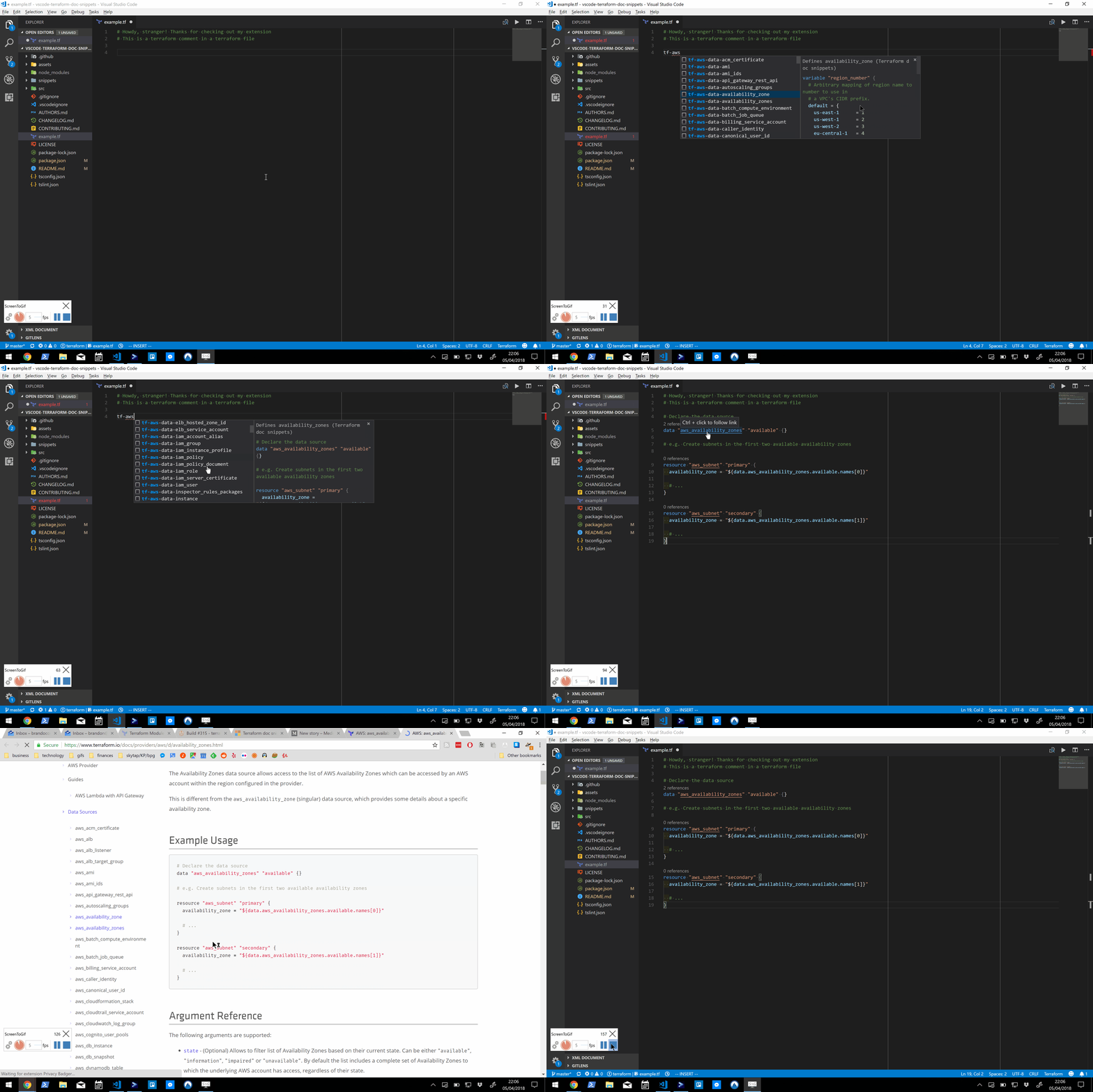
2. Terraform doc snippets
Terraform code snippets (>3400) straight from documentation for all provider resources and data sources. All providers in the terraform-providers org covered.
- **** - **** - **Publisher**: Run at Scale
---
3. Project Manager
Easily switch between projects
- **** - **** - **Publisher**: Alessandro Fragnani

---
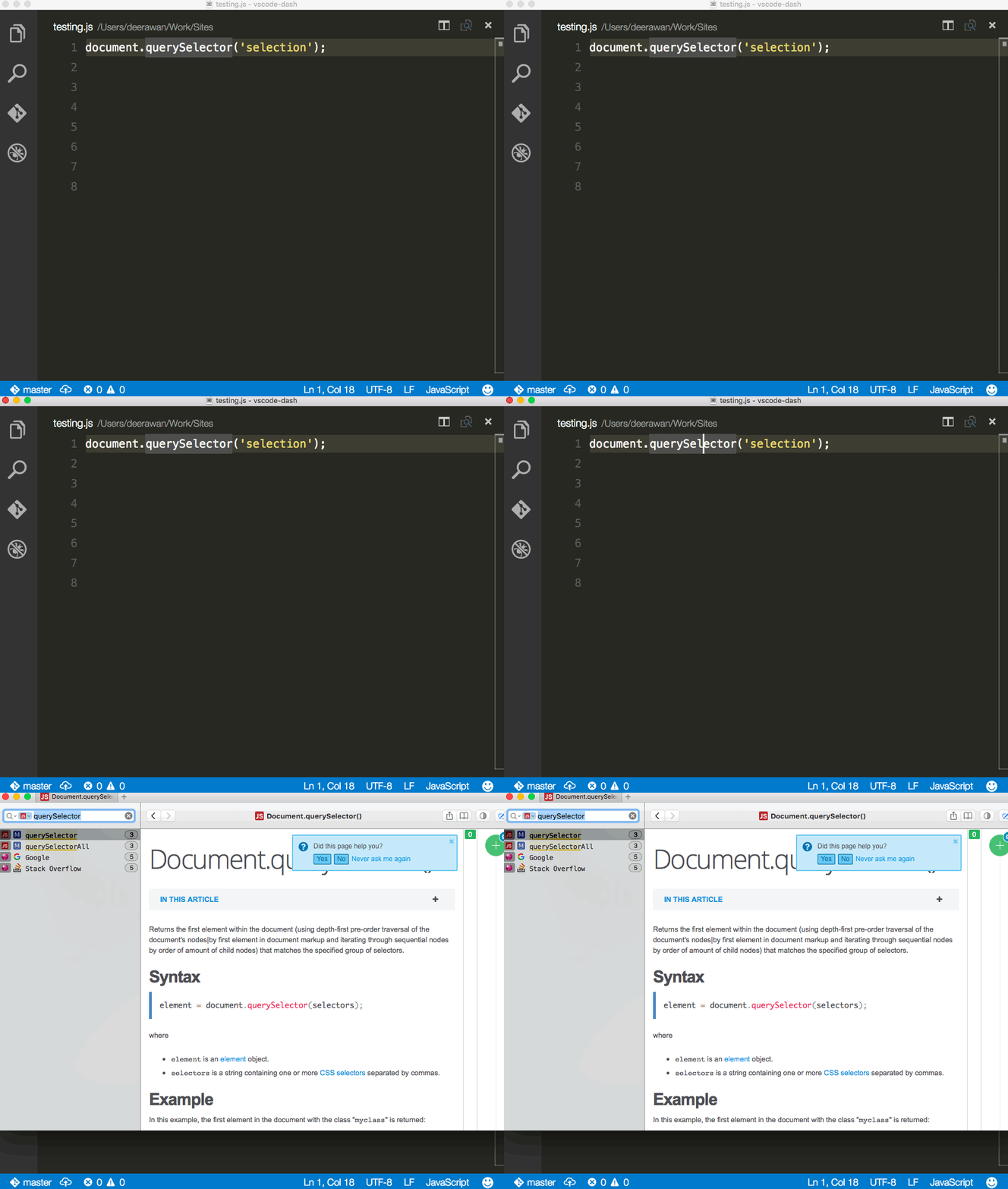
4. Dash
Dash, Zeal and Velocity integration in Visual Studio Code. Dash [_an API Documentation Browser and Code Snippet Manager for MacOS_] documentation integration for Visual Studio Code
- **** - **** - **Publisher**: Budi Irawan
---
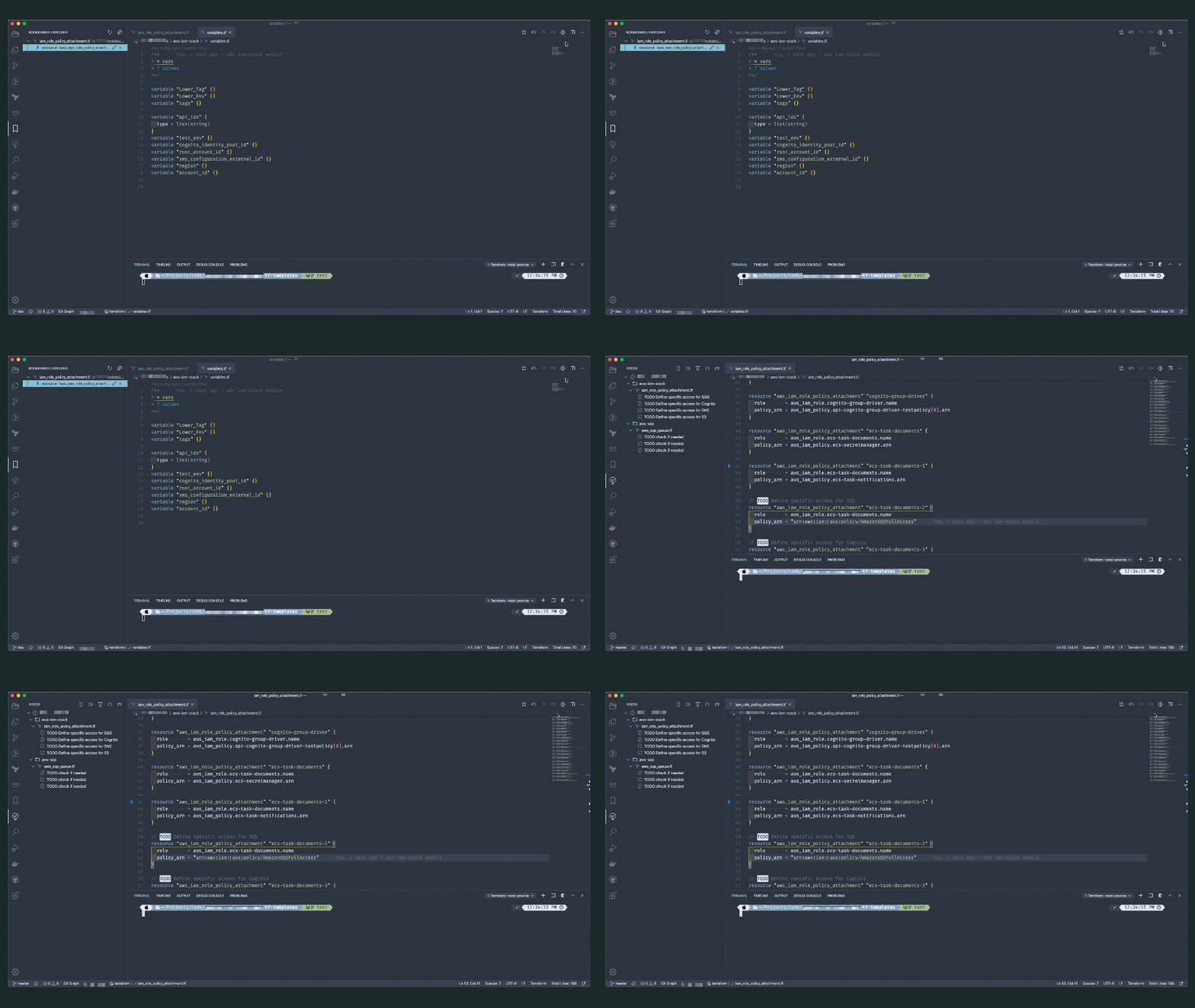
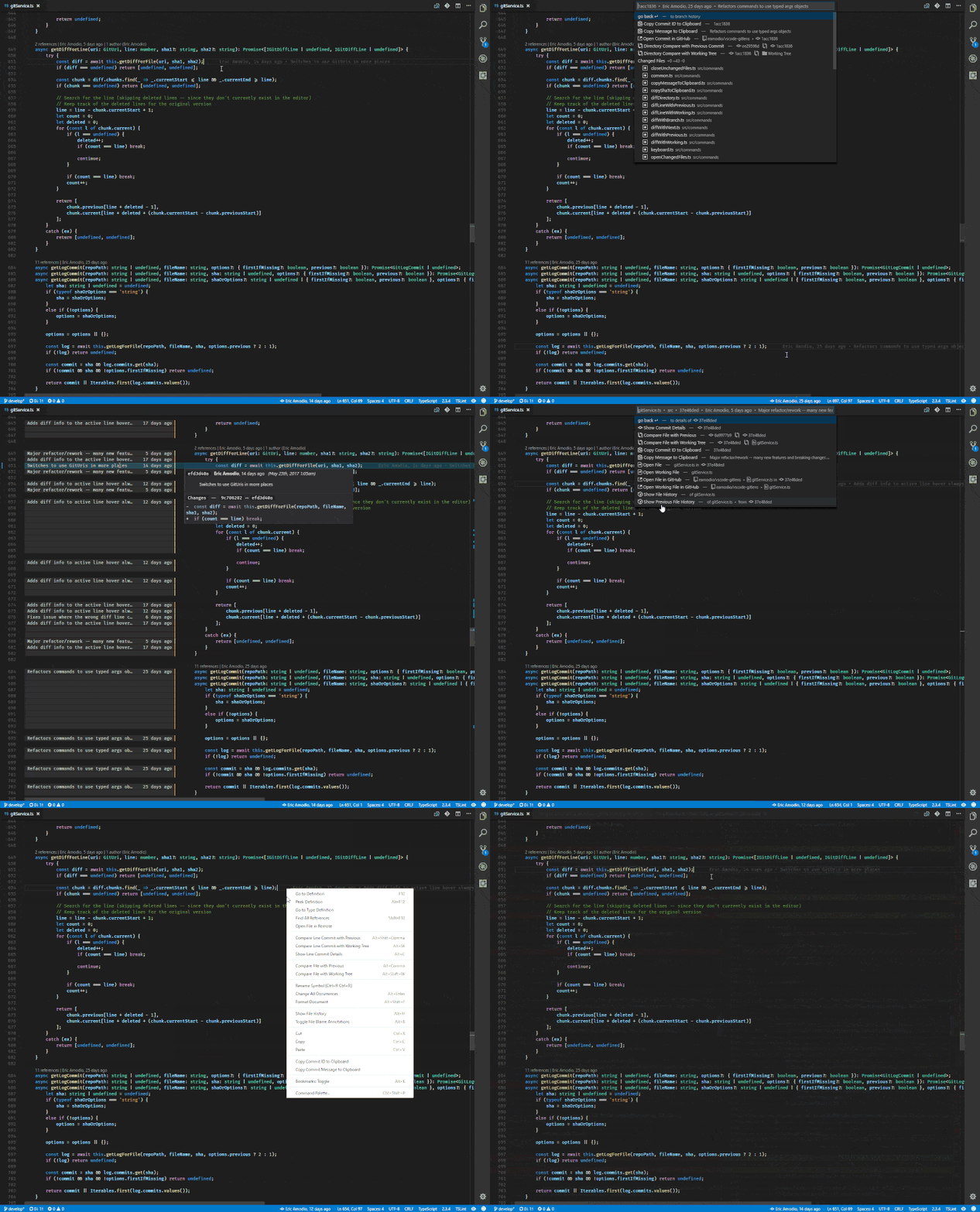
5. GitLens — Git supercharged
Supercharge the Git capabilities built into Visual Studio Code — Visualize code authorship at a glance via Git blame annotations and code lens, seamlessly navigate and explore Git repositories, gain valuable insights via powerful comparison commands, and so much more.
- **** - **** - **Publisher**: Eric Amodio
---
6. Git Graph
View a Git Graph of your repository, and perform Git actions from the graph.
- **** - **** - **Publisher**: mhutchie

---
7. gitignore
Language support for .gitignore files. Lets you pull .gitignore files from the https://github.com/github/gitignore repository.
- **** - **** - **Publisher**: CodeZombie
---
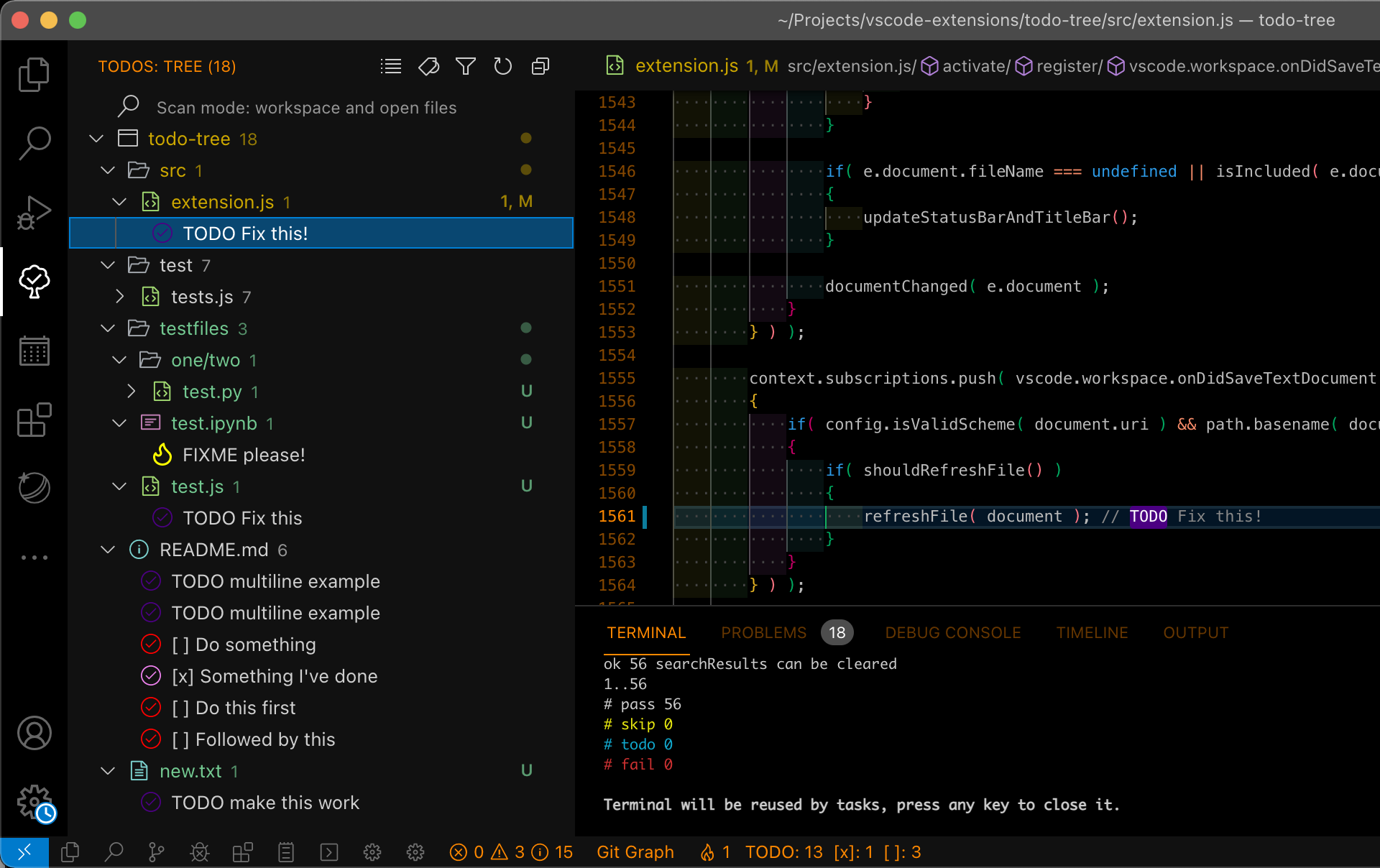
8. Todo Tree
Show TODO, FIXME, etc. comment tags in a tree view
- **** - **** - **Publisher**: Gruntfuggly
---
9. Bookmarks
Mark lines and jump to them
- **** - **** - **Publisher**: Alessandro Fragnani

---
10. Better Comments
Improve your code commenting by annotating with alert, informational, TODOs, and more!
- **** - **** - **Publisher**: Aaron Bond

---
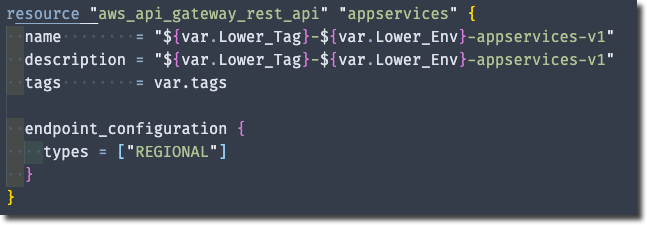
11. Bracket Pair Colorizer 2
A customizable extension for colorizing matching brackets
- **** - **** - **Publisher**: CoenraadS
---
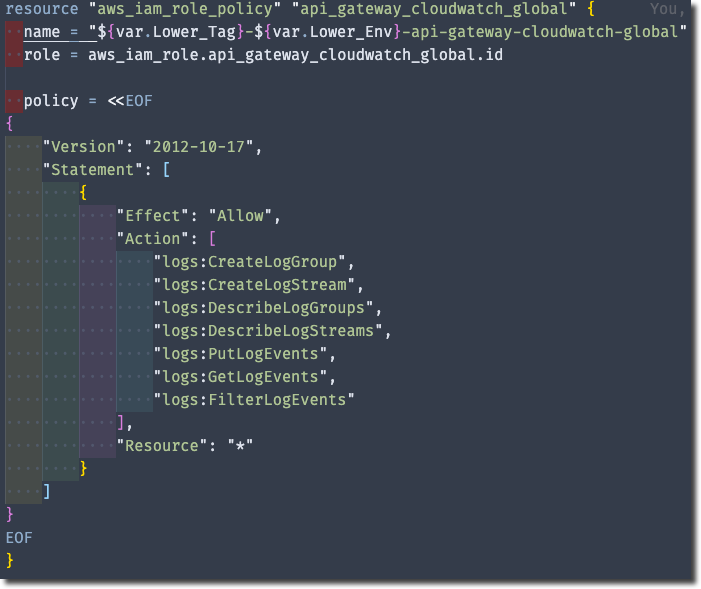
12. indent-rainbow
Makes indentation easier to read
- **** - **** - **Publisher**: oderwat
---
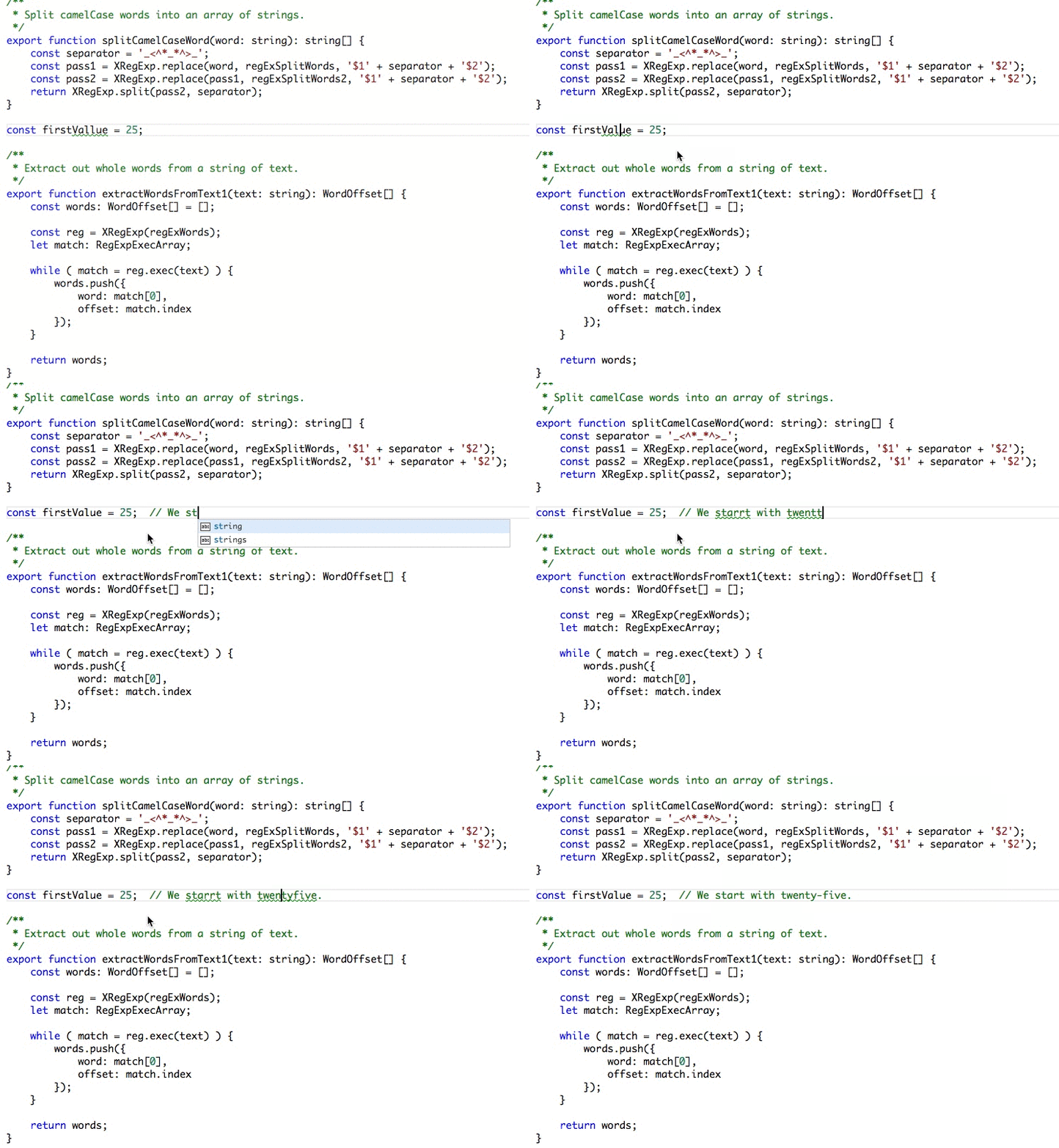
13. Code Spell Checker
Spelling checker for source code
- **** - **** - **Publisher**: Street Side Software
---
14. Markdown All in One
All you need to write Markdown (keyboard shortcuts, table of contents, auto preview and more)
- **** - **** - **Publisher**: Yu Zhang


---
15. markdownlint
Markdown linting and style checking for Visual Studio Code
- **** - **** - **Publisher**: David Anson
---
**_If you feel there are more extensions that we can add to the list, please leave a comment below._**